UI/UX/PRODUCT DESIGNER
KARTHICKANNAN PONNUSAMY

EXPERIENCE DESIGN
IN:COLLAB
HYBER SOCIAL MEDIA

The application helps people connect in the different medium incorporated with ease in multiple platforms as a Hyper Social Media Application has unique features to stand out in the competitive world.


A INCORPORATED
FEATURES

Personas are best in features it has Personal, Public, Circle, Live Local, and Work Place to help people to connect where ever you are, which way you want to connect.
CHOOSE YOUR
MOOD
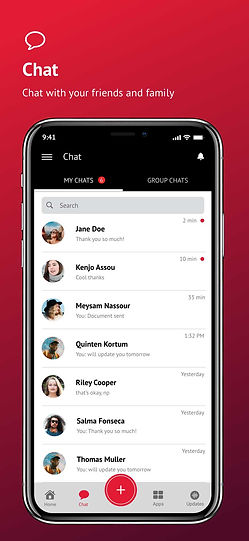
To switch moods, In:Collab allow Users to choose different mode to connect with your friends and family.




PLATFORMS

In addition to the web, tablets, and Mobile(Android & iOS) platforms help users to connect with ease. A minimal and seamless design ensures the user has a distraction free UI.
TELEMED
HEALTH CARE APP

UNIQUE DIGITAL
CONSULTATION
The application is an Internal social media Health care application. It helps Patients and Doctor to access from anywhere.


✦ One on One Video Consultation
✦ Easy maintenance of individual patient records
✦ Flexible and Dynamic
IPMS
Project Management Tool
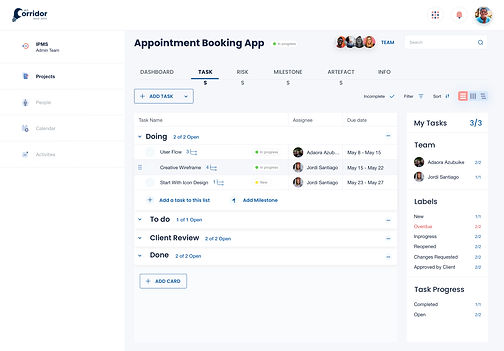
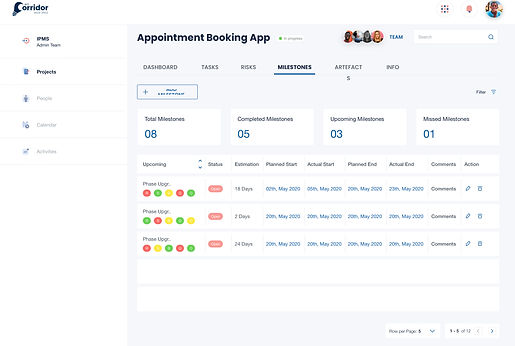
The primary purpose of project management tools is to help managers plan, execute and control all aspects of the project management process. The Company relies on key tools for managing a project to ensure that each task is completed on time and to balance staff workload for optimal time management.
GOAL OF PROJECT
PORTFOLIO
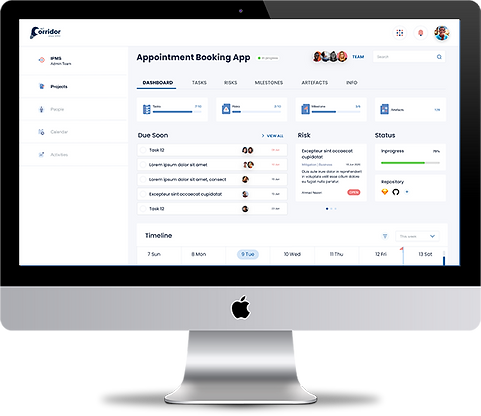
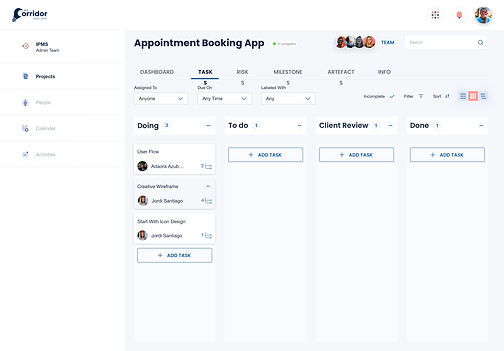
✦ The goal of Project Portfolio is to allow the users to get an executive level of access to information on projects handled by them or people down their hierarchy.
✦ The application will enable the user to keep track of various aspects of project management activities such as monitoring resources, milestones, risks and artifacts.




TAMR ADMIN
Cloud Platform
Admin App is targeted to have administrative features for Tamr Core
so all the options provided will be
highly centric to Tamr Core.
ADMINISTRATION STRUCTURE
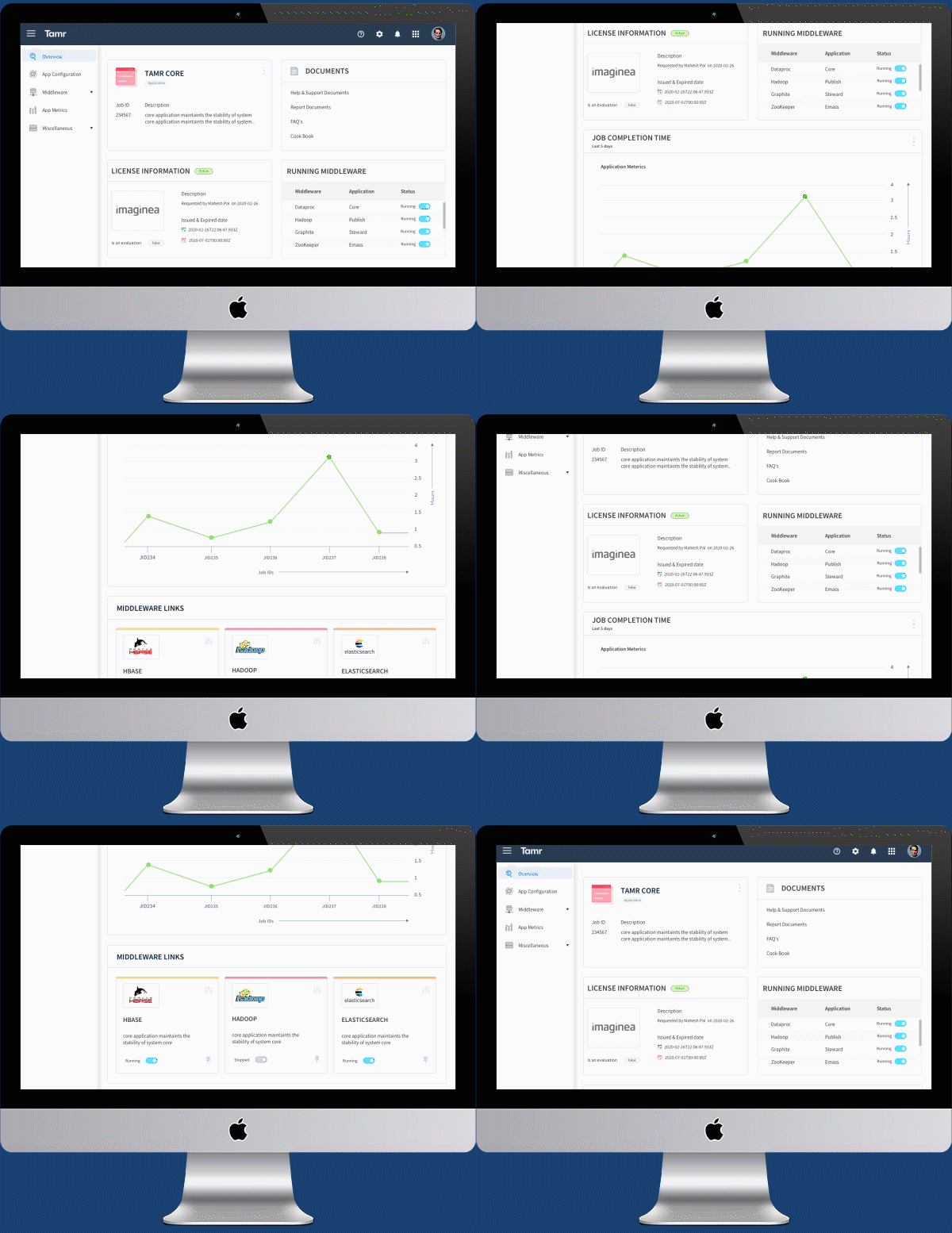
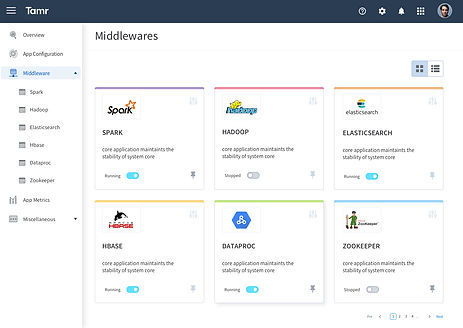
✦ List : Based on the configurations that are stored in ZK, It will list the middleware that's been used by Tamr core.
✦ Configuration: Through Admin UI itself the possiblity to configure the dependant middleware.
✦ Start / Stop / Restart : Options that will help the admin users to control the middle ware from the Admin UI itself.
✦ Logs : Options to views the logs of the middleware.



SHIFTIFY
MULTIWAY SCHEDULING AND TRACKING OPTIONS
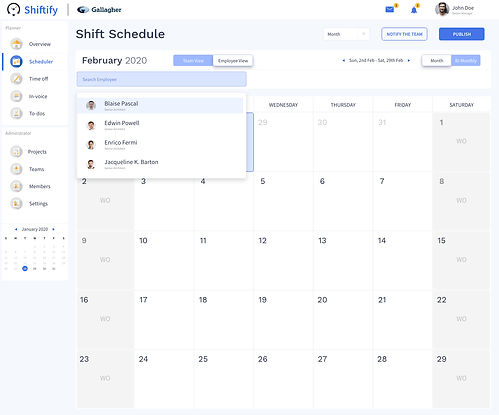
The Application has all in one place to help organizations schedule the shift, cab arrangement, and track their employees' time management and leaves.

✦ Integrated Dashboard to track the employees status
✦ Manager, Cab Admin, and Employees Personalized portal
✦ The individual Employees tracking system

✦ Data based employee report generate.
✦ Multiway scheduling options like weekly, Quarterly, Monthly